
Best Laptop for Video Editing Beginners in 2026 (Complete Guide)
If you’re starting your journey in video editing, choosing the right laptop is critical. You need strong CPU performance, dedicated graphics (or powerful integrated GPU), at least 16GB RAM, and fast SSD storage for smooth timeline playback and faster exports.
In this guide, we list the best laptops for video editing beginners that can handle Adobe Premiere Pro, DaVinci Resolve, Final Cut Pro, and 1080p to entry-level 4K editing workflows in 2026.
Key Specifications to Look For
- Processor: Intel H-series / Ryzen 7 / Apple M-series
- GPU: RTX 4050 / 4060 or strong Apple GPU
- RAM: Minimum 16GB
- Storage: 512GB SSD or higher
- Display: Color-accurate IPS or OLED panel
- Cooling: Efficient thermal design for long renders

1. Apple MacBook Pro 14-inch (M4 Pro)
The MacBook Pro 14 is one of the most powerful and efficient laptops for video editing beginners. It delivers smooth performance in Final Cut Pro and DaVinci Resolve with outstanding battery life.
- Processor: Apple M4 Pro
- GPU: Integrated Apple GPU
- RAM: 16GB Unified Memory
- Storage: 512GB / 1TB SSD
- Display: 14.2″ Liquid Retina XDR
- Battery: Excellent all-day performance
Why choose this laptop?
- Extremely optimized for editing software
- Silent and power efficient
- Industry-leading display quality
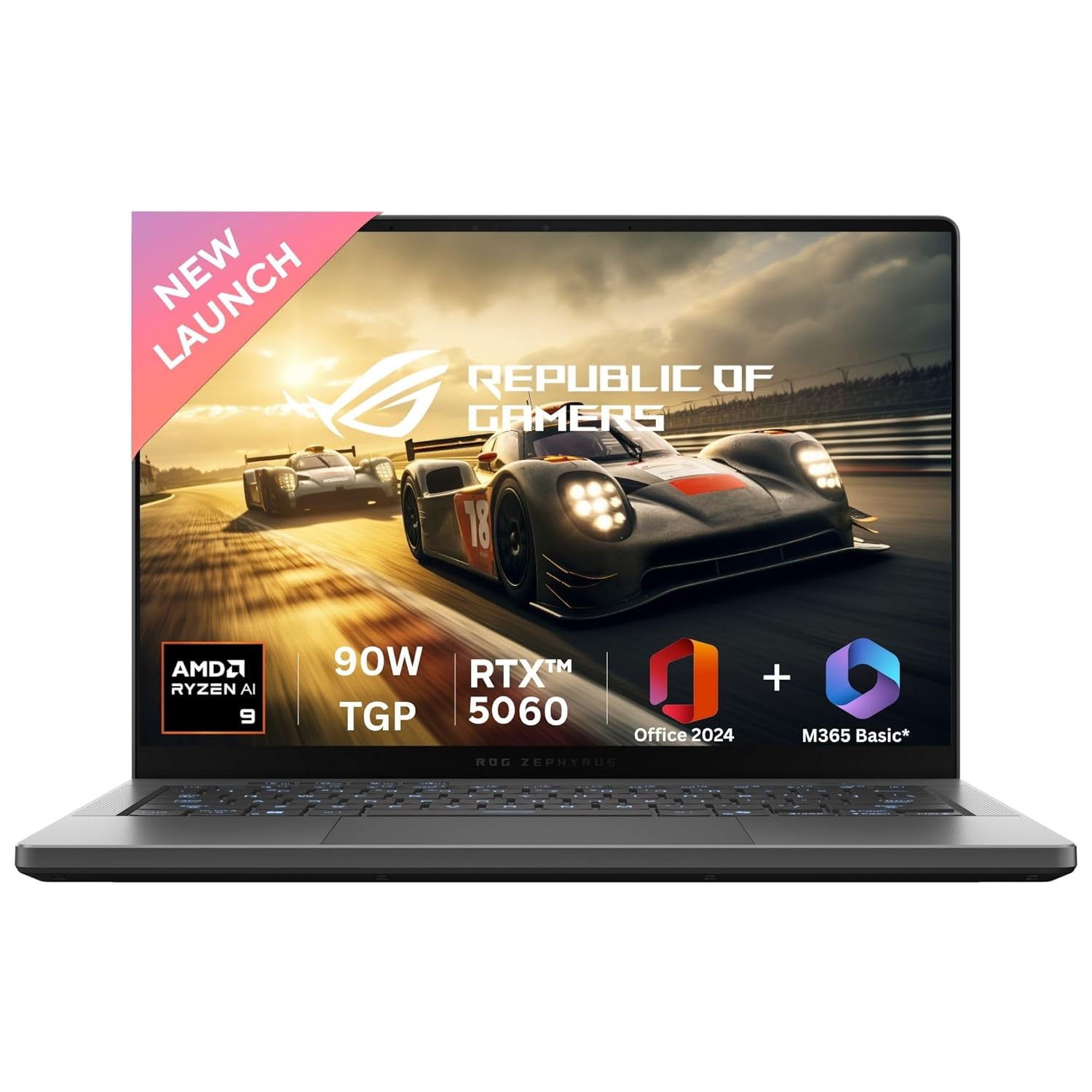
2. ASUS ROG Zephyrus G14 (Ryzen 9 + RTX 4060)
A powerful hybrid gaming-creator laptop that handles Premiere Pro, DaVinci Resolve, and 4K timelines smoothly.
- Processor: AMD Ryzen 9 7940HS
- GPU: NVIDIA RTX 4060
- RAM: 16GB / 32GB DDR5
- Storage: 1TB SSD
- Display: 14″ WUXGA / QHD

3. Dell XPS 15 (Core i7 + RTX 4050)
Dell XPS 15 offers a premium editing experience with strong performance and one of the best displays available for creative professionals.
- Processor: Intel Core i7-13700H
- GPU: NVIDIA RTX 4050
- RAM: 16GB / 32GB DDR5
- Storage: 512GB / 1TB SSD
- Display: 15.6″ FHD+ / OLED

4. Lenovo Legion 5 Pro (Ryzen 7 + RTX 4060)
Legion 5 Pro delivers powerful CPU + GPU combination with a large high-resolution display, ideal for timeline editing.
- Processor: Ryzen 7 7840HS
- GPU: RTX 4060
- RAM: 16GB DDR5
- Storage: 1TB SSD
- Display: 16″ QHD

5. HP Spectre x360 16 (Core Ultra Series)
A premium convertible ideal for beginner editors who want flexibility, touchscreen support, and strong display quality.
- Processor: Intel Core Ultra 7 / 9
- GPU: Intel Iris Xe
- RAM: 16GB
- Storage: 512GB SSD
- Display: 16″ 3K / OLED
Affiliate Disclosure: As an Amazon Associate, I earn from qualifying purchases.
Quick Comparison
Final Recommendation – Which One Should You Buy?
🏆 Best Overall for Beginners
MacBook Pro 14 (M4 Pro)
If you want smooth editing, amazing display, and excellent battery life, this is the most beginner-friendly premium option.
🔥 Best Windows Performance
ROG Zephyrus G14 (RTX 4060)
If you’re using Premiere Pro or DaVinci Resolve, this offers the best balance of GPU power and portability.
💰 Best Value Option
Lenovo Legion 5 Pro
Strong RTX 4060 performance at a competitive price, ideal for beginners who want power without overspending.
Video Editing Laptop FAQs
Is 16GB RAM enough for video editing?
Yes. 16GB RAM is the ideal starting point for beginners editing 1080p and light 4K footage. For heavy projects, 32GB offers smoother performance.
Do I need a dedicated GPU for editing?
If you use Premiere Pro or DaVinci Resolve, yes. RTX 4050 or 4060 significantly improves rendering speed and timeline performance.
MacBook or Windows for video editing?
MacBooks are excellent for Final Cut Pro and efficient workflows. Windows laptops offer stronger GPU options for Premiere Pro and Resolve.
Can beginners edit 4K videos?
Yes, with RTX 4060 or Apple M-series chips. However, optimized proxies and sufficient RAM improve performance significantly.