12 Hidden Laptop Features 2026 That Will Instantly Boost Your Speed 🚀
Hidden Laptop Features 2026 are the difference between using your laptop normally and using it like a high-performance machine.
Let’s be real — most people spend ₹50,000+ on a laptop and still use it like a basic device.
They open Chrome. Watch videos. Maybe do some work.
Meanwhile, modern systems like Windows 11 and macOS are packed with powerful tools that can:
- Increase speed ⚡
- Reduce workload 🧠
- Improve multitasking 🚀
- Save hours every week ⏳
📑 Table of Contents
Hidden Laptop Features 2026: Why Most Users Stay Slow ❌
Here’s the uncomfortable truth.
Most people don’t lack a powerful laptop — they lack awareness.
They:
- Never explore system settings
- Ignore built-in features
- Install unnecessary apps instead
Result?
A powerful machine behaves like a slow one.
If you want real performance gains, you don’t always need upgrades.
You need to unlock what’s already there.
Hidden Laptop Features 2026: Snap Layouts (Multitasking System) 🧩
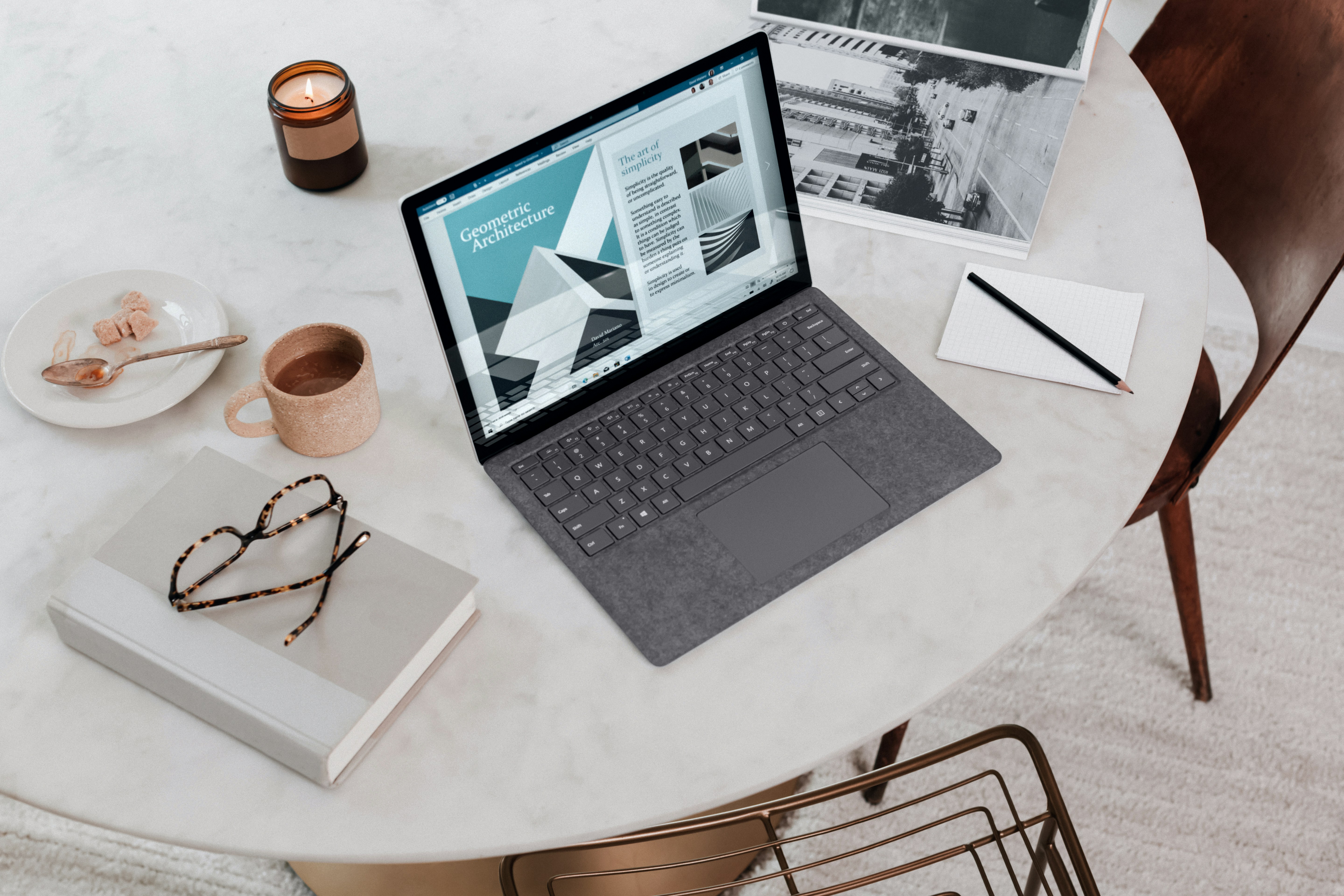
Snap Layouts turn your laptop into a structured workspace instead of a messy screen.
Instead of dragging windows randomly, you can divide your screen into:
- 2 sections
- 3 sections
- 4 sections
Each app locks into position, giving you a clean and controlled layout.
💡 Real Workflow Example
- Left → Browser (Research)
- Right → Editor (Writing)
- Bottom → Notes
This alone can double your efficiency.
Learn more from Microsoft Official Guide .
Hidden Laptop Features 2026: Virtual Desktops (Next-Level Organization) 🚀

Virtual desktops allow you to create multiple workspaces inside one laptop.
Instead of cluttering a single screen, you separate your tasks.
🎯 Example Setup
- Desktop 1 → Work
- Desktop 2 → Personal
- Desktop 3 → Deep Work
- Desktop 4 → Entertainment
Switch between them instantly using gestures or shortcuts.
This removes distractions and keeps your workflow clean.
Hidden Laptop Features 2026: Why These Features Matter 🧠
These aren’t just “cool tricks”.
They change how your brain interacts with your system.
- Less clutter → better focus
- Structured screens → faster thinking
- Fewer clicks → more productivity
Once you start using these features, going back feels slow and frustrating.
🔗 Related Guides
Hidden Laptop Features 2026: Clipboard History (Stop Repeating Work) 📋
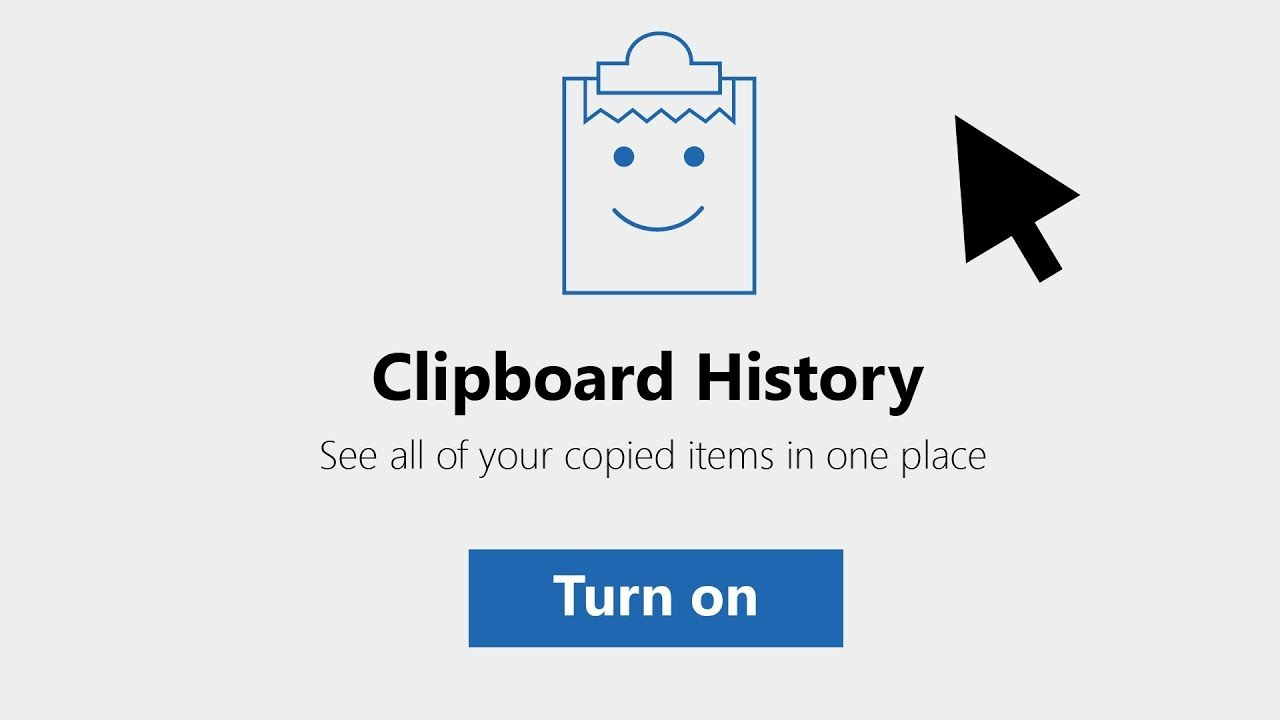
Most users copy one thing… paste it… then lose it forever.
That’s inefficient.
With clipboard history, your laptop stores multiple copied items.
Shortcut: Press Windows + V
💡 What This Unlocks
- Reuse copied text instantly
- Store multiple links, codes, or notes
- Speed up research and writing workflows
This is especially powerful if you:
- Write blogs
- Do coding
- Handle repetitive text
Once you start using this, normal copy-paste feels broken.
Learn more from XDA Developers Guide .
Hidden Laptop Features 2026: Voice Typing (Work at Thinking Speed) 🎤

Typing is no longer the fastest way to create content.
Speaking is.
Shortcut: Press Windows + H
Your laptop converts speech into text in real time.
🚀 Real Benefits
- Write faster than typing
- Capture raw ideas instantly
- Reduce fatigue from long typing sessions
This is used heavily by:
- Content creators
- Students
- Professionals
If you’re not using this, you’re working slower than necessary.
Hidden Laptop Features 2026: Storage Sense (Automatic Cleanup Engine) ⚙️
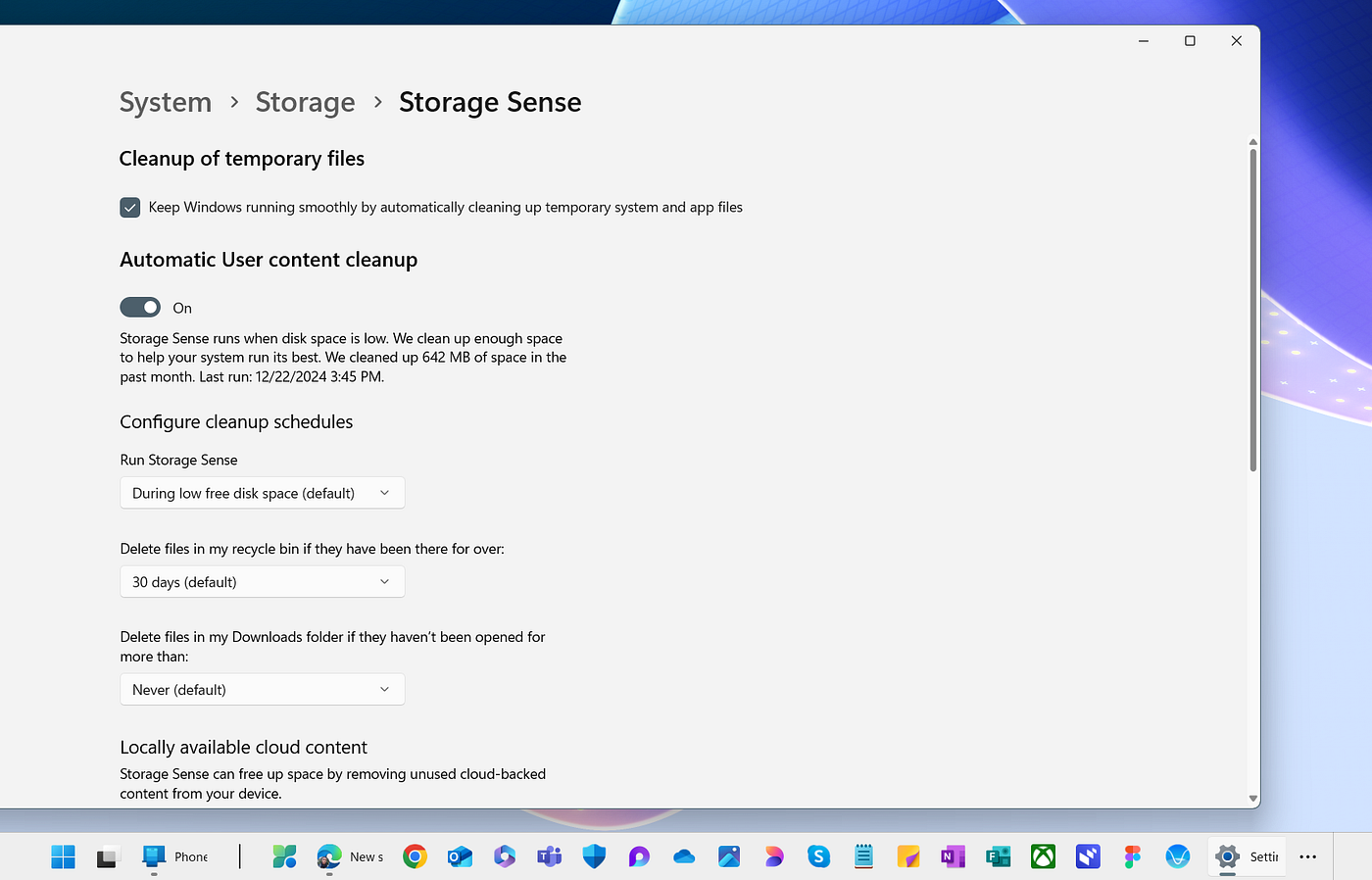
Your laptop collects junk files constantly:
- Temporary files
- Cache
- Unused downloads
Most people ignore this until storage is full.
That’s a mistake.
Storage Sense automates cleanup:
- Deletes unnecessary files
- Clears recycle bin
- Frees up space regularly
Result:
- Faster performance
- More storage available
- Less manual work
Read more from Microsoft Storage Guide .
Hidden Laptop Features 2026: Smart Security Layers (Invisible Protection) 🔒
Security isn’t just antivirus anymore.
Modern laptops include built-in protection systems most users never activate.
🛡️ Key Features
- Dynamic Lock → Locks laptop when you walk away
- Smart App Control → Blocks suspicious apps
- Windows Security Dashboard → Central control panel
These run silently in the background.
No extra apps needed.
Learn more from Tom’s Guide Security Insights .
Hidden Laptop Features 2026: Performance Modes (Hidden Speed Boost) ⚡

Your laptop has multiple performance profiles.
Most users never switch them.
That’s wasted power.
⚙️ What You Can Control
- CPU performance level
- Battery vs performance balance
- Background processes
Switch to High Performance Mode when:
- Gaming
- Editing videos
- Heavy multitasking
Use Balanced Mode for daily work.
This alone can make your laptop feel significantly faster.
Hidden Laptop Features 2026: Workflow Stacking (Elite Productivity System) 🧠
Here’s where most blogs stop.
We go further.
Real productivity comes from combining features—not using them separately.
🔥 Example Workflow Stack
- Snap Layouts → Structured screen
- Virtual Desktops → Separate tasks
- Clipboard History → Faster data reuse
- Voice Typing → Faster content creation
Together, this creates a system—not just features.
That’s the difference between:
- Normal user
- Power user
You’re not just using your laptop anymore.
You’re operating it.
🔗 Related Content
Hidden Laptop Features 2026: Pro-Level Tools (Most Users Never Touch) 🧠
Now we step into territory most blogs don’t cover.
These features are already inside your laptop—but hidden behind advanced settings.
🔐 BitLocker Encryption (Data Protection)
BitLocker encrypts your entire drive.
- If your laptop is stolen → data stays protected
- No extra software needed
Perfect for:
- Business users
- Students with sensitive data
🧪 Windows Sandbox (Safe Testing Environment)
Want to test unknown apps without risk?
Windows Sandbox creates a temporary isolated system.
- Run files safely
- Nothing affects your main system
This is a hidden gem for advanced users.
—🌐 Remote Desktop (Access Anywhere)
Control your laptop from another device.
- Access files remotely
- Work from anywhere
This turns your laptop into a portable workstation.
Learn more from Microsoft Developer Docs .
Hidden Laptop Features 2026: Battery & Thermal Optimization 🔋

Most people damage their laptop performance without realizing it.
Battery and heat directly impact speed.
⚡ Smart Battery Settings
- Enable battery saver during light tasks
- Avoid 0%–100% cycles constantly
- Use optimized charging if available
🌡️ Thermal Optimization
- Keep vents clean
- Avoid using laptops on beds
- Use cooling pads for heavy tasks
Heat = performance loss.
Control heat → maintain speed.
—Hidden Laptop Features 2026: Advanced User Hacks (Rare Knowledge) ⚡
This is where you gain an unfair advantage.
🚀 Disable Startup Apps
Too many apps launch at startup → slower boot time.
🧠 Background App Control
Stop unnecessary apps running silently.
⚙️ Keyboard Shortcuts Mastery
Speed comes from reducing clicks.
- Alt + Tab → Switch apps
- Win + D → Show desktop
- Win + Arrow → Snap windows
These small changes compound into massive time savings.
—🏆 Final Verdict: You’re Either Using Your Laptop… or Wasting It
Here’s the reality.
Two people can own the same laptop.
One struggles with speed.
The other works effortlessly.
The difference?
Knowledge of hidden features.
If you apply even 30% of what you learned here:
- Your workflow becomes faster
- Your system feels smoother
- Your productivity increases
And once you get used to it…
You’ll never go back.
—❓ FAQ – Hidden Laptop Features 2026
Do these features work on all laptops?
Most features are available on Windows 11 laptops and modern macOS devices.
Will these features slow down my laptop?
No. Many of them improve speed and efficiency.
Are these safe to use?
Yes. These are built-in system features.
Do I need extra software?
No. Everything shown is already inside your laptop.